Shift Scheduling Benchmark Data Sets
[ home ] [ nurse ] [ multi-activity ] [ changes ] [ contact ]
How to Verify New Solutions for Multi-activity, Multi-day Shift Scheduling Instances
New solutions can be verified using RosterViewer, which is freely available for download.A web version of the app is also available at the same location.
A command line verification tool is also available.
To verify a solution it must be converted to the solution XML format. See an example XML solution file. Note that for RosterViewer it is important to set the correct path to the problem file in the ProblemFile tag.
Open the XML solution file in RosterViewer and it should look similar to:
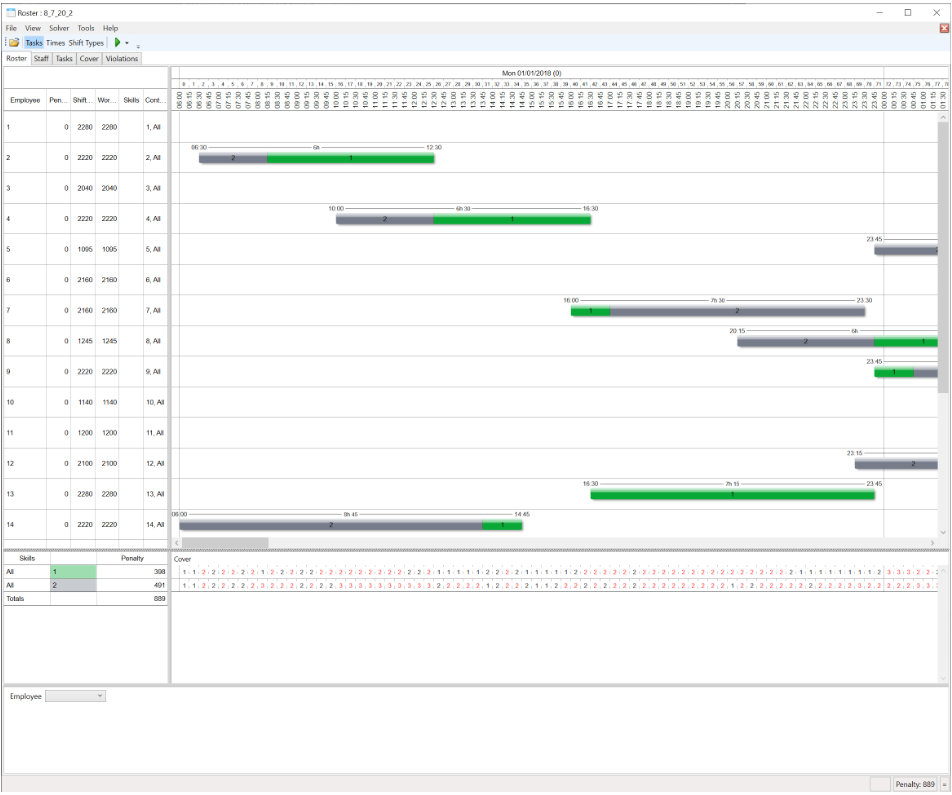
The bottom right corner displays the total penalty.
We will also verify any new solutions if you wish to email them.